


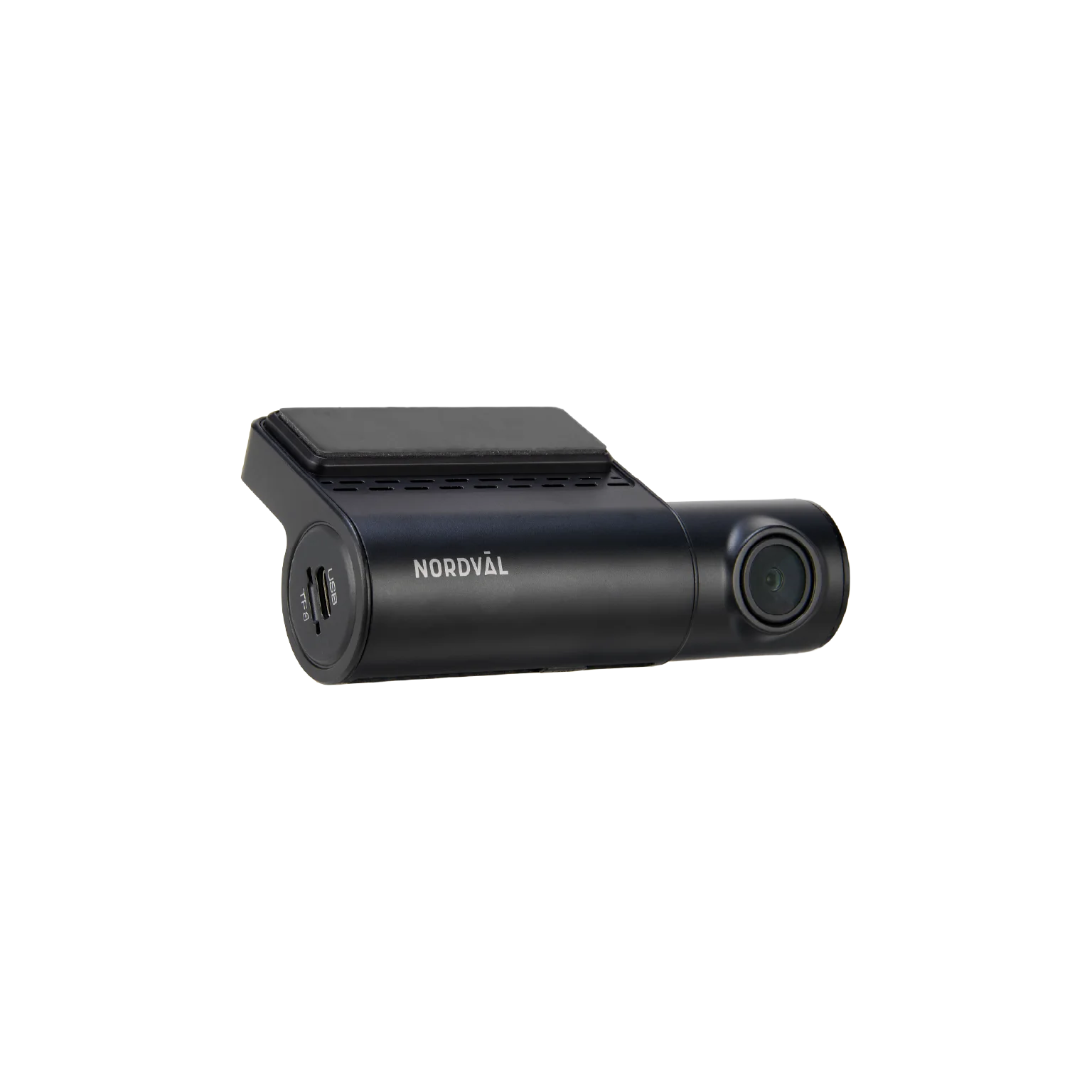
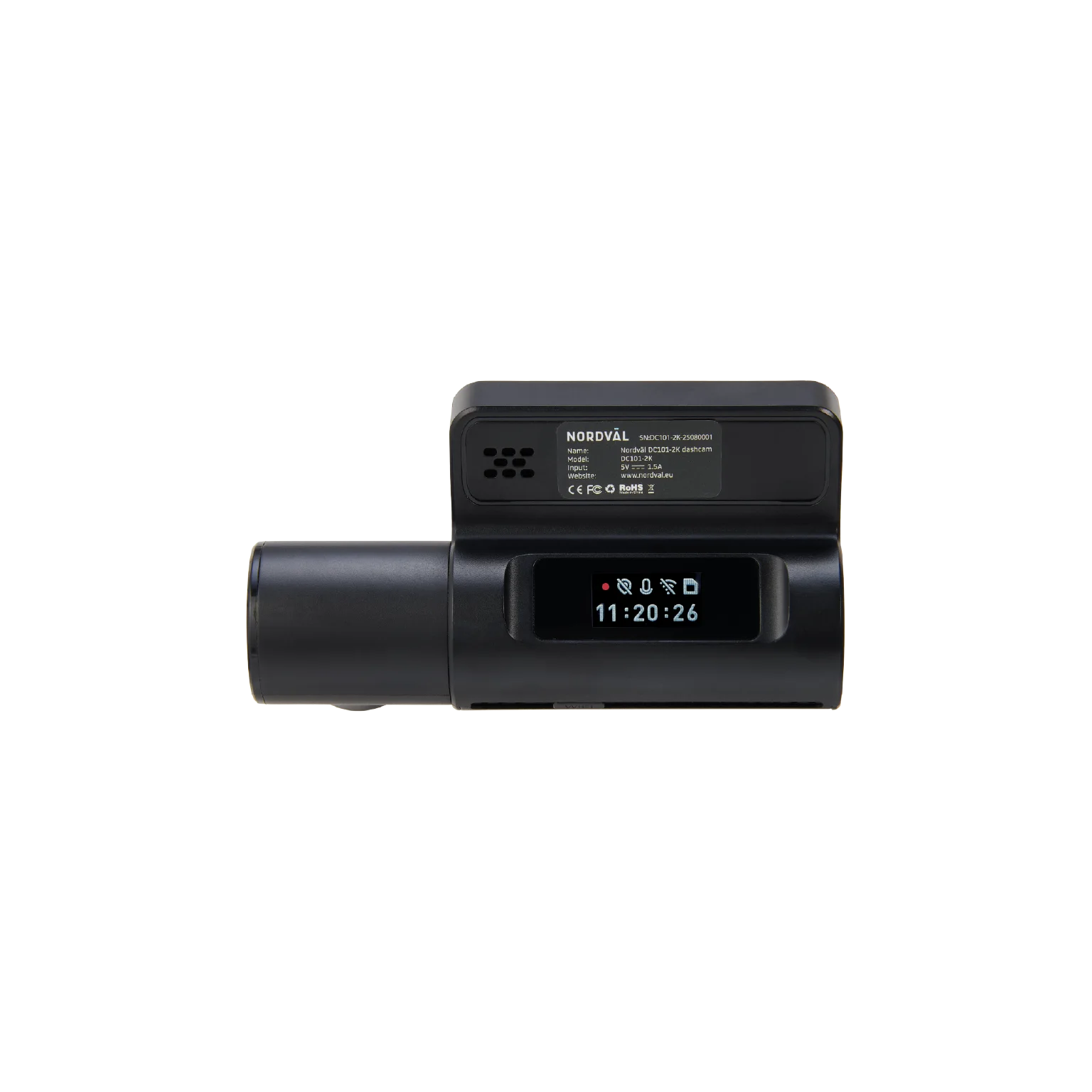
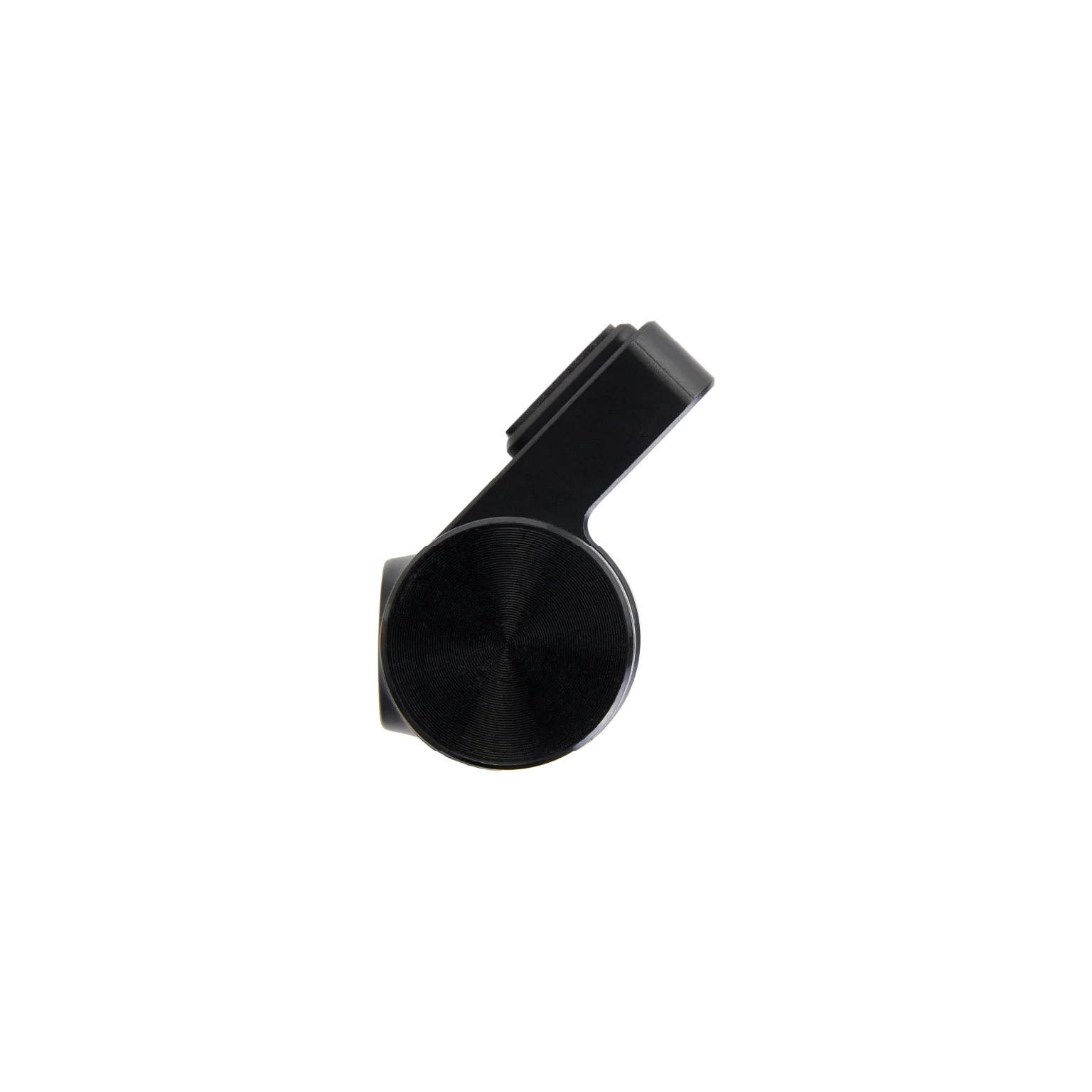
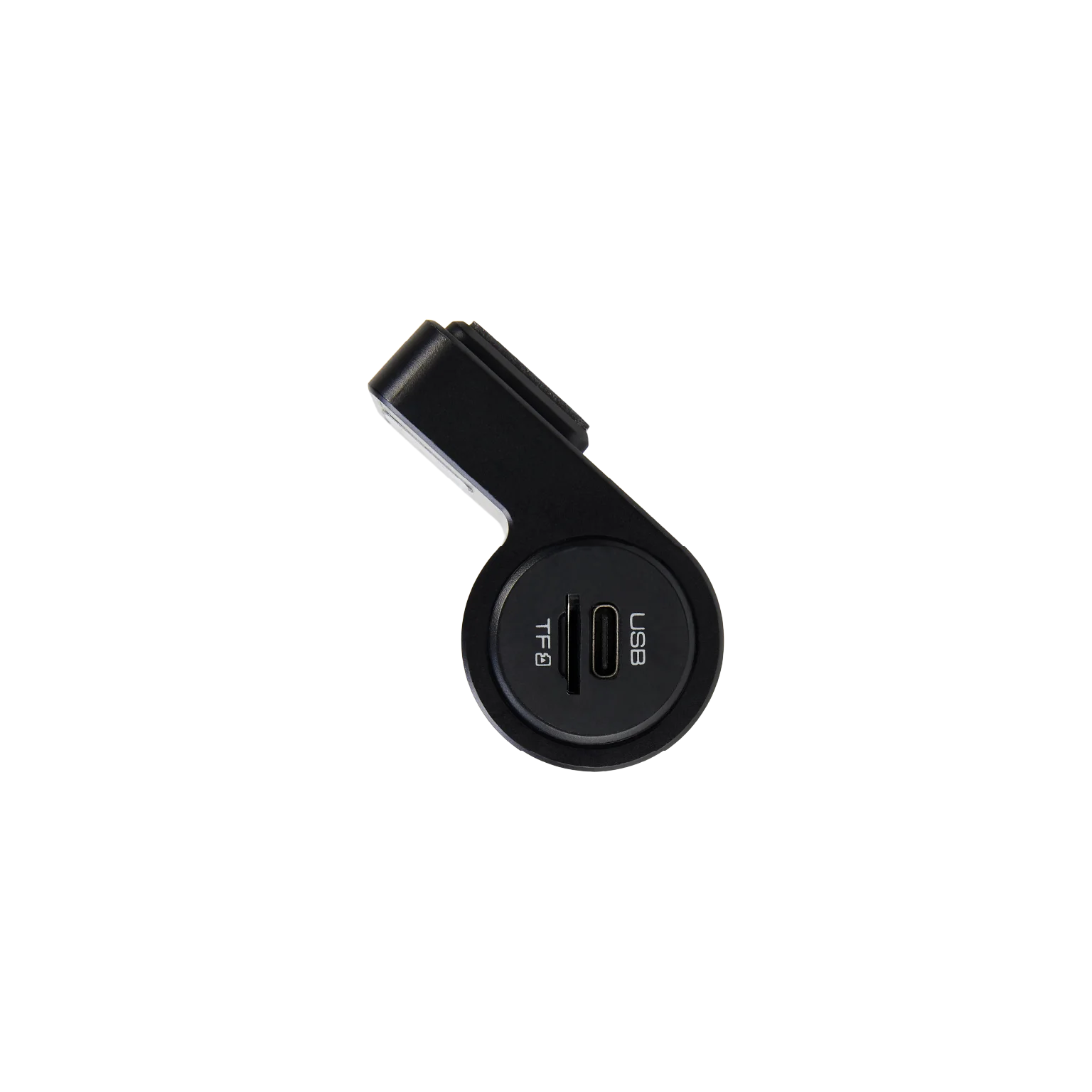


DC101-2K Dashcam + PMPC03 Parking Mode Cable Kit Bundle
149 ,-
The DC101-2K Dashcam + PMPC03 Parking Mode Cable Kit is the ideal bundle for anyone who wants their dashcam to continue recording in parking mode.
An affordable and stylish dash cam, equipped with all the features you need.
The Nordväl DC101-2K records your drive in sharp 2K quality and offers smart features like Wi-Fi with app, built-in GPS, and parking mode.
Includes 64GB SD card
 Sharp 2K recordings Wifi with app GPS and impact sensor integrated Voice control & voice guidance
- Description
—
Key features
—
Key features

Sharp 2K recordings

Wi-Fi with app

Built-in GPS

Voice control

Parking mode

Impact detection

LED information display

Voice guidance
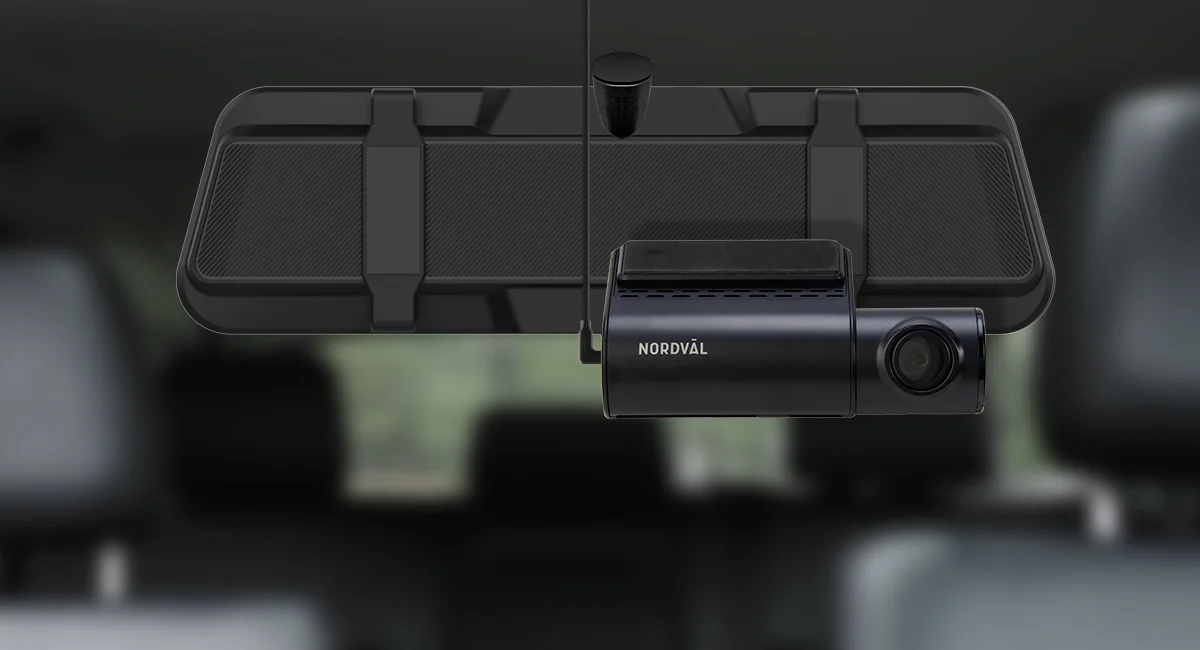
—
Nordväl DC101-2K
The Nordväl DC101-2K is a stylish and affordable dash cam that combines all the essential features in a compact design. With 2K resolution, you can record all your journeys in sharp image quality.
With built-in GPS, Wi-Fi, parking mode, and more, the DC101-2K offers reliable performance without unnecessary frills. A complete dash cam that’s always ready to go!


—
Nordväl DC101-2K
The Nordväl DC101-2K is a compact and affordable 1CH dash cam that combines all the essential features in a single stylish design. With 2K resolution (2560p), you can record all your journeys in crystal clear detail, day or night.
With built-in GPS, Wi-Fi (2.4GHz), various parking mode options and time-lapse recording, the DC101-2K offers reliable performance without unnecessary frills – a smart choice for those looking for an affordable yet full-featured dash cam.

—
PMPC03 Parking Mode Power Kit USB-C
Thanks to the Nordväl PMPC03 Power Kit USB-C for the DC101-2K, you can continue recording in parked mode without the risk of a dead battery. The desired power-off voltage level is easily adjustable.
In parking mode, you can choose from various recording options such as impact detection, motion detection, and time-lapse recording.
The kit easily connects to the vehicle’s fuse box. Then select the desired cut-off voltage. This power supply kit is suitable for both 12 and 24 volts.
Click here for the full description of the PMPC03 Parking Mode Power Kit USB-C.
—
PMPC03 Parking Mode Power Kit USB-C
Thanks to the Nordväl PMPC03 Power Kit USB-C for the DC101-2K, you can continue recording in parked mode without the risk of a dead battery. The desired power-off voltage level is easily adjustable.
In parking mode, you can choose from various recording options such as impact detection, motion detection, and time-lapse recording.
The kit easily connects to the vehicle’s fuse box. Then select the desired cut-off voltage. This power supply kit is suitable for both 12 and 24 volts.
Klik hier voor de volledige beschrijving van de PMPC03 Parkeermodus Power Kit USB-C.
—
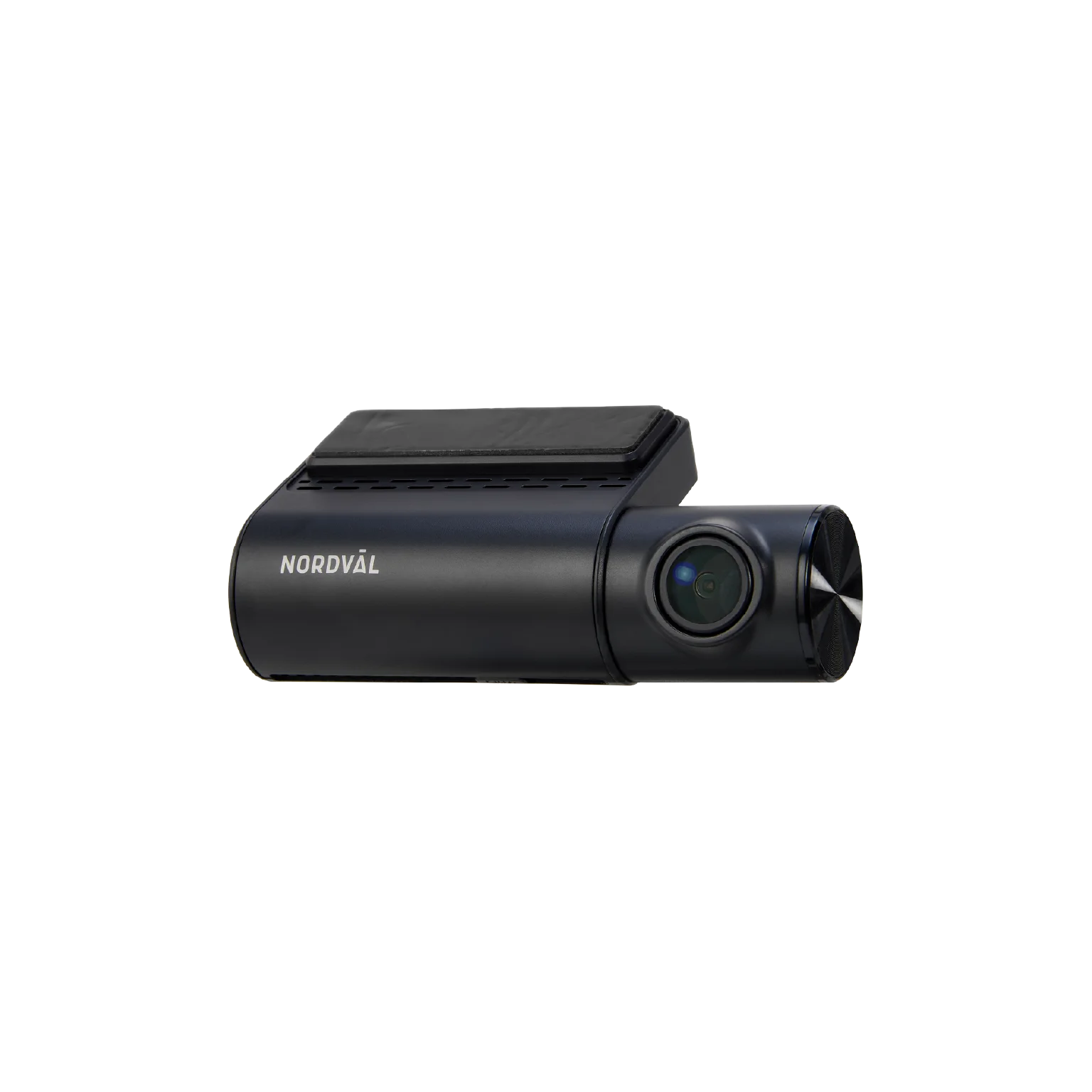
Discover the Nordväl DC102-2K
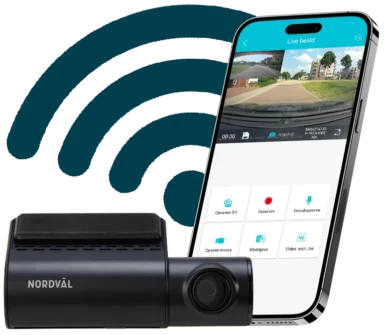
The lens is vertically adjustable.


—
Wifi with app
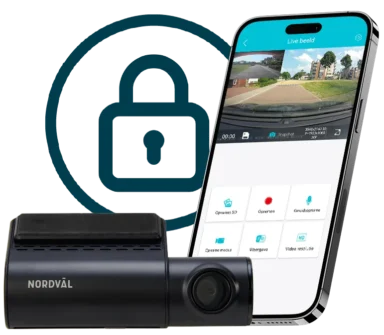
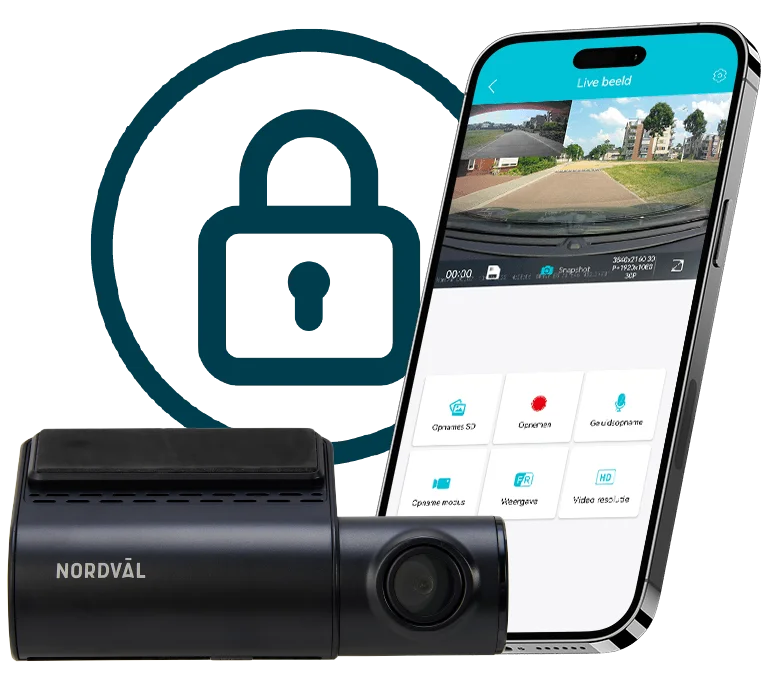
With built-in Wi-Fi, you can quickly and easily connect to the DC101-2K. You can view all your recordings on your smartphone or tablet. The Dutch app lets you easily save or share footage instantly. You can also adjust settings, watch live, and use many other features in the app.
—
Wifi with app
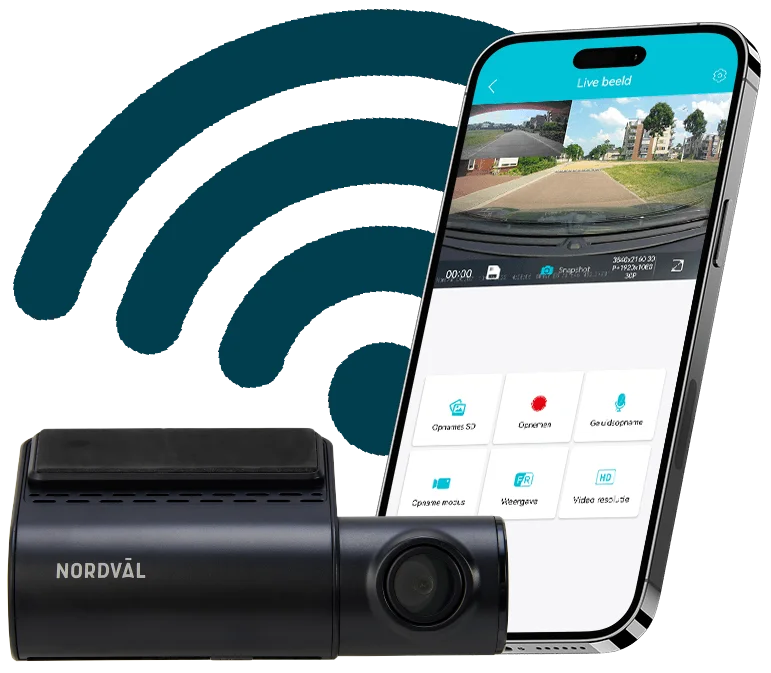
With built-in Wi-Fi, you can quickly and easily connect to the DC101-2K. You can view all your recordings on your smartphone or tablet. The Dutch app lets you easily save or share footage instantly. You can also adjust settings, watch live, and use many other features in the app.
—
Discover the app
The accompanying app offers a wide range of useful features. It allows you to easily adjust all the dash cam settings and enable or disable desired functions. You can also access the recordings stored on the SD card, save footage to your smartphone, and even view recordings with GPS location. And that’s not all.


—
Discover the app
The accompanying app offers a wide range of useful features. It allows you to easily adjust all the dash cam settings and enable or disable desired functions. You can also access the recordings stored on the SD card, save footage to your smartphone, and even view recordings with GPS location. And that’s not all.
—
Impact detection
Thanks to its built-in impact detection (G-sensor), the dash cam automatically records when you have a collision, need to brake suddenly, or need to swerve. In such situations, the footage is immediately and securely saved. These recordings are not overwritten by regular footage, making them quick and easy to retrieve.
—
Impact detection
Thanks to its built-in impact detection (G-sensor), the dash cam automatically records when you have a collision, need to brake suddenly, or need to swerve. In such situations, the footage is immediately and securely saved. These recordings are not overwritten by regular footage, making them quick and easy to retrieve.
—
Parking modes


—
Play recordings in the app including GPS location
You can view dashcam footage recorded on your computer with GPS location, but you can also view this footage in the app, including GPS location. Watch the video below to see how it works.
—
140˚ wide-angle lens
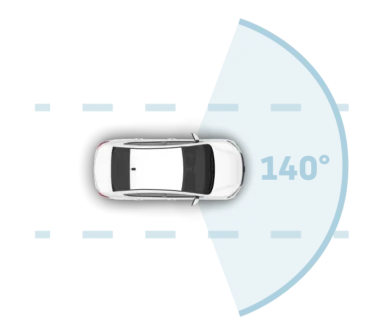
The camera features a wide-angle lens with a 140° field of view. This allows you to capture a wide range of your surroundings, including what’s happening next to your vehicle. This way, you won’t miss any unexpected situations while driving and are assured of a complete overview of the traffic.
—
140˚ wide-angle lens
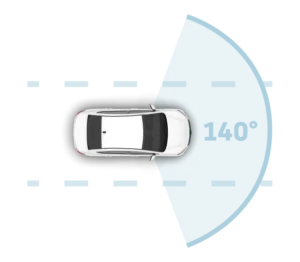
The camera features a wide-angle lens with a 140° field of view. This allows you to capture a wide range of your surroundings, including what’s happening next to your vehicle. This way, you won’t miss any unexpected situations while driving and are assured of a complete overview of the traffic.
—
Dashcam comparison

—
What's in the box?
Nordväl DC101-2K front camera
PMPC03 Parking Mode USB-C Power Kit
USB-C power cable (3,5m) + USB car charger
2x Electrostatic foil
5x Cable clips + cable removal tool
Extra tapes
User Manual

—
What's in the box?
Nordväl DC101-2K front camera
PMPC03 Parking Mode USB-C Power Kit
USB-C power cable (3,5m) + USB car charger
2x Electrostatic foil
5x Cable clips + cable removal tool
Extra tapes
User Manual
| Product name | Nordväl DC101-2K |
| Color / Size / Weight | Black / 10,8 x 3,1 x 6,1cm / 81g |
| SD card | Micro SD, Class 10 or higher, max. 128GB |
| Recording modes | Normal, Time Lapse, Event Recording, Motion Detection |
| Video resolution | 2560×1440 @ 30FPS 1920×1080 @30FPS |
| Viewing angle | 140° wide-angle lens |
| Video codec | H.264 |
| Video file format | MP4 |
| Photo file format | JPG |
| GPS | Built-in, playback in app or PC with GPS video player |
| Wifi | Built-in, 2,4GHz |
| Microphone / speaker | Yes / yes (voice control & guidance in English) |
| Consumption | 5V 1A |
| USB-C port | Built-in |
| Time and date setting | Yes |
| Loop recording | Yes, 1 minute, 3 minutes or 5 minutes |
| Input | 12V-24V cigarette plug / 12-24V Power Kit USB-C |
| Battery | Built-in supercondensator |
| Operational temperature | -20ºC to 70ºC |
| USB-C cable length | 3,5 meters |
| Warranty | 2 years |
| Memory | Image quality | Recording time |
|---|---|---|
| 32GB | 2K – 2560×1440 | 5 hours |
| Full HD – 1920×1080 | 6,5 hours | |
| 64GB | 2K – 2560×1440 | 10 hours |
| Full HD – 1920×1080 | 13 hours | |
| 128GB | 2K – 2560×1440 | 20 hours |
| Full HD – 1920×1080 | 26,5 hours |
The dashcam does not record or sometimes stops recording.
Check the power supply and/or format the SD card in the camera or a computer.
How do I format the SD card and reset the camera?
Om de SD-kaart te formatteren, open je de app en verbind je de dascham (indien
nodig). Klik op “DC101-2K” Stop eerst met opnemen en klik dan op “instellingen” in de
rechterbovenhoek. Klik vervolgens op “SD-kaart formatteren” om de SD kaart te
formatteren. Om de camera te resetten, houd je de functieknop 10 seconden ingedrukt
om de dashcam terug te zetten naar de standaardinstellingen.
I cannot find the dashcam in my WiFi settings.
When your dashcam is connected to your car, start the engine. The dashcam will now
also turn on. Make sure you have WiFi, GPS, and Bluetooth enabled on your phone.
The WiFi connection disconnects automatically.
When connected to the dashcam via WiFi, it will automatically turn off after a few minutes
(if there is no app activity).
I have horizontal stripes in the recording.
Open the app and go to “settings” in the top right corner and adjust the frequency based on the power supply (60Hz or 50Hz). Note: If you have a 60Hz power supply, you can select 60Hz. If you have a 50Hz power supply, you can select 50Hz.
My dashcam does not record in parking mode.
Check that parking mode is set correctly, or have an authorized installer check the physical installation.
Check that parking mode is set correctly, or have an authorized installer check the physical installation.
How do I change my WiFi password?
Open the app and go to “Settings” in the top right corner. Select “WiFi” from the menu.
Here you can view and/or change the WiFi settings.
I forgot my Wi-Fi password.
If you’ve forgotten your Wi-Fi password, you can format the dashcam and reset it to factory settings. The password will then be reset to the default password: “12345678.”
Important: Save important recordings before formatting the SD card.
My footage is blurry.
Remove the lens protective film and clean the lens with (preferably) a lens cloth.
Also make sure the windshield is clean and free of grease and dirt.
My recordings have no sound.
Open the app and go to “Settings” in the top right corner and make sure the
“Sound Recording” setting is turned on, or use the function button on the dashcam by pressing it once.
Please note that time-lapse videos recorded in
parking mode do not contain audio.
My camera turns on and off automatically.
Zorg ervoor dat de uitgangsstroom 5V/1A kan bereiken en gebruik de meegeleverde
autolader.
My camera is getting hot.
Because the camera continuously records at high speed, the dashcam may become hot during use.
The camera has overheating protection up to 70° Celsius.
Video files cannot be played on my computer.
The dashcam video files are in MP4 format and may not be
compatible with your computer if you do not have the appropriate playback software installed. Ensure
that you have the correct codecs and software installed.
My dashcam keeps saying “Memory card error.”
Using unqualified SD cards or third-party cards may affect the
performance of the dashcam and, in some cases, cause the dashcam to
randomly restart during recording. Use the official SD card
and/or format it in the app.
—
Manuals
—
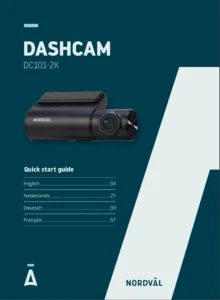
Manual EN/NL/DE/FR
—
Apps
—
iOS App

—
Android App

—
